Room planning with AI
See Your Room Redesigned Before You Renovate
Upload a photo of the room you are planning and preview it in 30+ design styles. Compare ideas in seconds and decide before you spend on paint or furniture.
Free to try. No design experience needed.
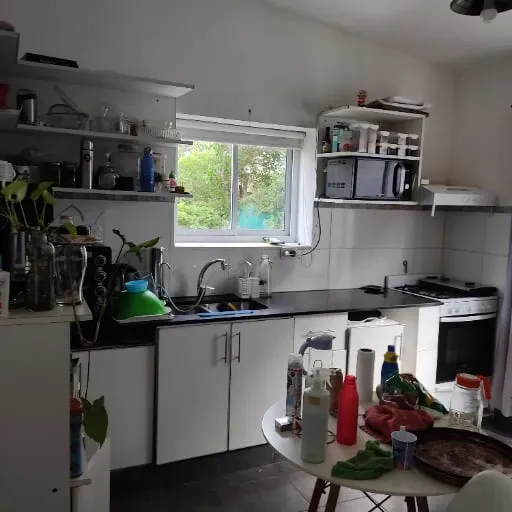
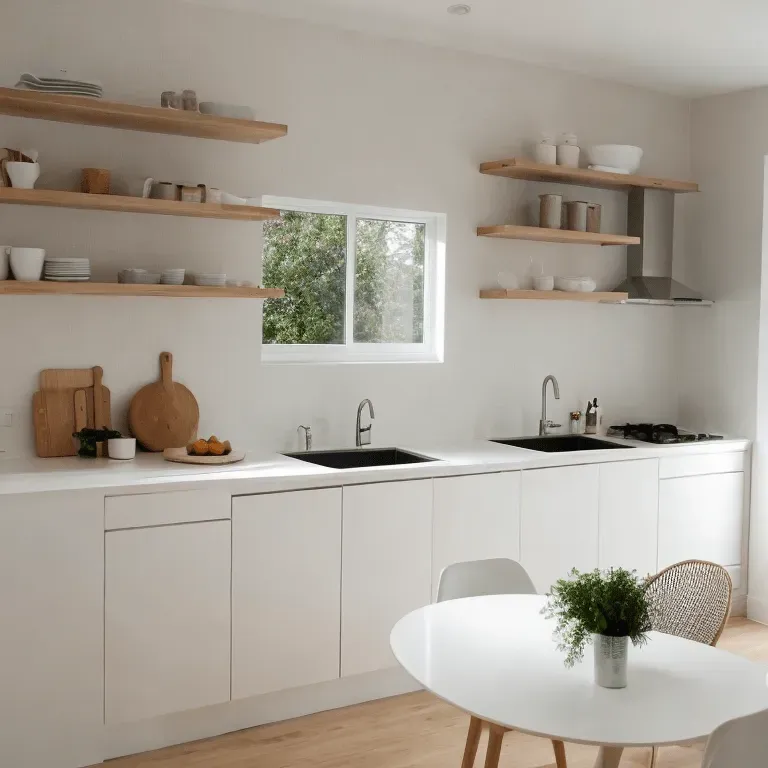
Plan Your Room in Three Steps
From a single photo to a finished concept, with no design experience required.
Photograph Your Room
Take a photo of the room you want to change, or pick one from your gallery. It works with different angles and lighting.
Try a Style
Browse 30+ design styles, from Scandinavian minimalism to bold maximalism, and apply the one you want to test.
Compare and Decide
See your redesigned room within seconds. Download or share it, then try another style to compare.
Tools for Planning Every Space
Preview a change first, then commit to it.
Restyle a Furnished Room
Try any of 30+ design styles on a room you already have, from modern minimalist to cozy farmhouse, and see how it could look.
Plan Your Exterior
Preview a new look for the outside of your home, from siding and landscaping to paint colors and architectural styles.
Furnish an Empty Room
Start from a blank room and see it furnished and decorated. Useful for a new home, a vacant property or a layout you are still deciding on.
Test Wall Colors
Preview a wall color before you buy any paint, and compare shades in your own room.
Before and After Previews
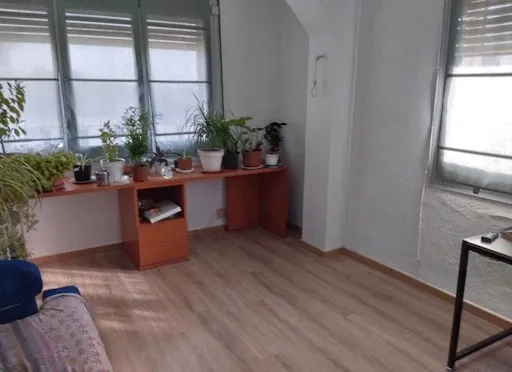
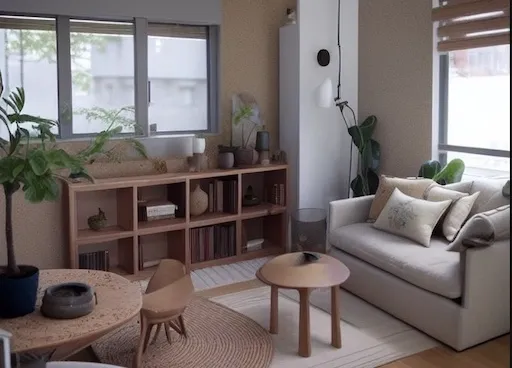
Drag the slider to compare a room before and after its AI redesign.
Living Room Redesign
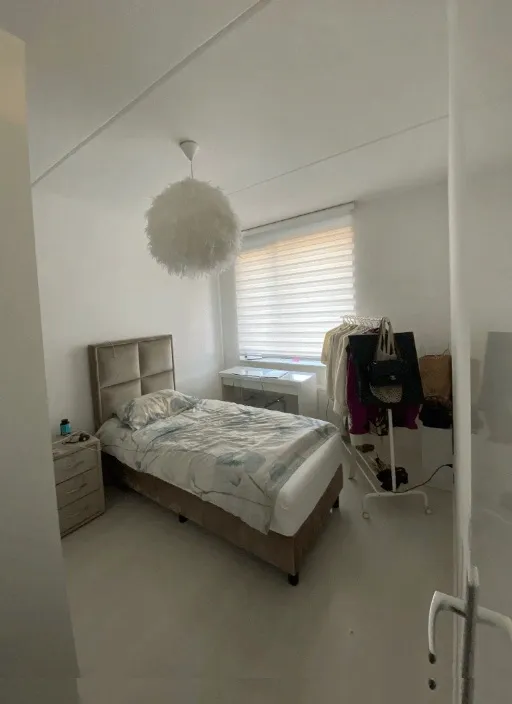
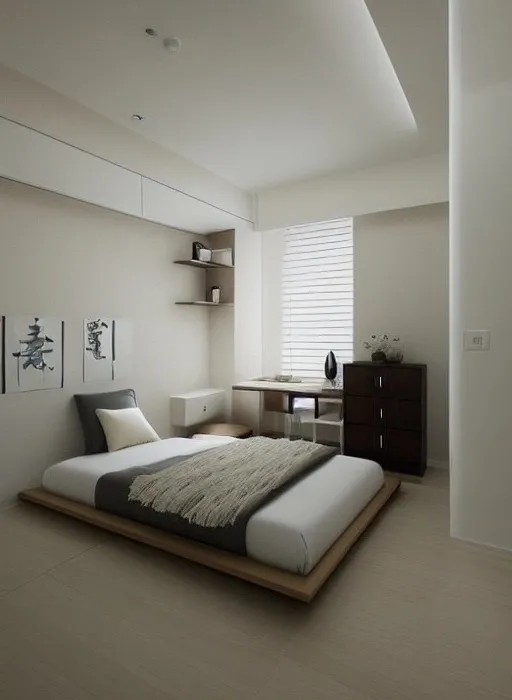
Bedroom Redesign
Kitchen Redesign
Ready to Plan Your Next Room?
Upload a photo and see your room in a new style within seconds. Try the idea first, then commit to the change.
No credit card required. Free renders to get you started.